It’s 3:00 PM on a Friday. Your lead engineer is trying to sync a massive Revit model for a client presentation on Monday. Suddenly, the software hangs. The "Not Responding" ghost appears. The rest of the team is waiting on that central file to update so they can finish their sheets.
In the world of architecture and engineering, IT isn't just a utility: it is the engine. When that engine stalls, billable hours vanish, deadlines slip, and your firm’s reputation takes a hit.
Scaling an engineering firm shouldn't mean spending your days managing server racks or arguing with IT consultants over hourly billing. You need an infrastructure that supports growth, not one that acts as a bottleneck. This guide breaks down how to optimize your IT environment so you can focus on design, not downtime.
The High Cost of "Good Enough" IT
Many small to mid-sized engineering firms operate on a "break-fix" mentality. They wait until a server dies or a license server fails before calling for help. This approach is a silent killer of profitability.
If your team spends 15 minutes a day waiting for slow file transfers or dealing with software crashes, that’s over 60 hours of lost productivity per person every year. For a firm of ten engineers, that is 600 hours of billable time gone.
Key Takeaway: IT optimization isn't about having the newest gadgets; it’s about removing the friction between your engineers and their work.
Step 1: Auditing Your Technical Debt
Before you can scale, you have to know what is holding you back. "Technical debt" is the cost of choosing an easy, short-term solution over a better approach that takes longer.
- Hardware Lifecycles: Are your engineers running AutoCAD 2026 on workstations from 2021? If your hardware can't keep up with the software's system requirements, you are losing money.
- Network Bottlenecks: Engineering files (DWGs, RVTs) are heavy. If your internal network is still running on old CAT5 cables or consumer-grade switches, your sync times will crawl.
- Shadow IT: Are employees using personal Dropbox accounts because the company server is too slow? This creates massive security risks.
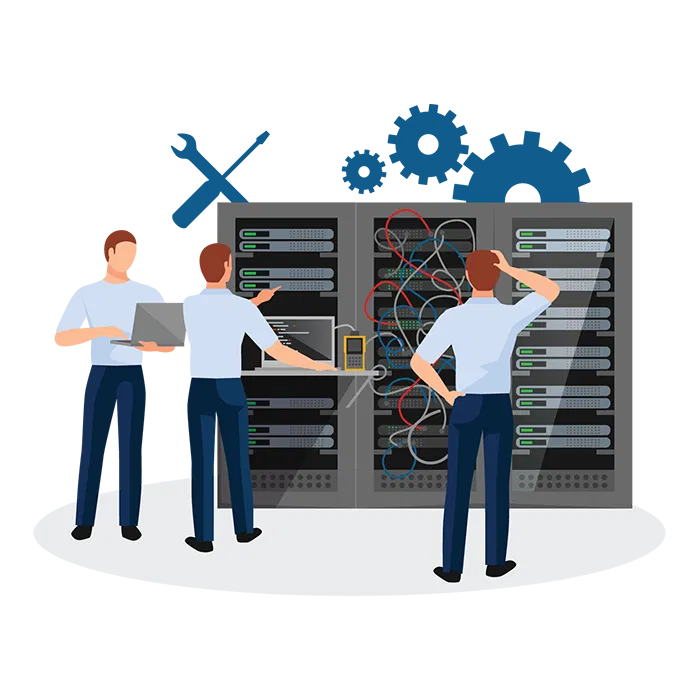
If you aren't sure where your bottlenecks are, it’s time for a professional assessment. Understanding your network and server management is the first step toward a scalable future.
Step 2: Optimizing the Powerhouse Tools (AutoCAD & Revit)
Engineering firms live and die by specialized software. AutoCAD, Revit, Civil 3D, and SolidWorks are resource-heavy and notoriously finicky.
Graphics and Processing
These programs don't just need "a good computer." They need specific GPU configurations and high single-core clock speeds. Many firms overspend on "more cores" when they actually need "faster cores" for Revit’s primarily single-threaded operations.
License Management
Nothing stops a project faster than a "License Not Available" error. Whether you are using Autodesk’s named-user model or older network licenses, managing these seats is a full-time job.
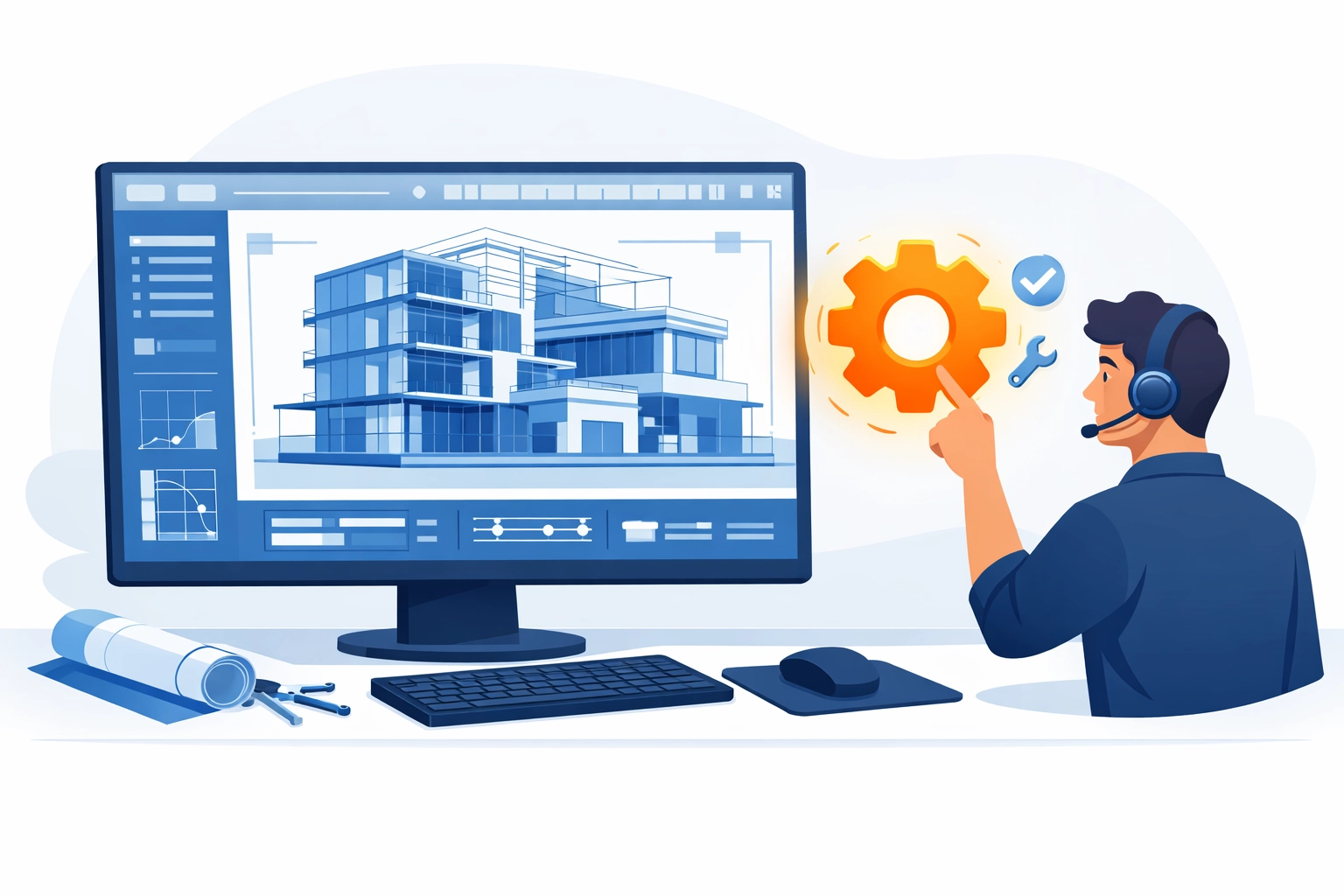
The $150 Fix: At Direct Support, we specialize in these "high-stakes" software issues. If your Revit central file is corrupted or your AutoCAD license server is down, we offer a fixed-price IT support model. For a flat $150 per issue, we get you back to work. No hourly tiers, no "let me check with my manager" delays.
Step 3: Modernizing the Infrastructure
To scale, you need to decide where your data lives.
The On-Premise vs. Cloud Debate
- On-Premise Servers: Offer the fastest speeds for large file manipulation but require significant maintenance and physical security.
- Cloud (BIM 360 / ACC): Essential for remote collaboration but requires high-speed, redundant internet connections.
If your business relies on a mix of office work and remote site visits, you need a hybrid approach. This requires robust remote IT support for small business to ensure that whether an engineer is in the office or on a job site, they have the same access to the tools they need.
Step 4: The "Scaling Without Headaches" Logic
Scaling usually brings complexity. More people = more devices = more problems. Traditional IT companies love this because they charge you per hour or per head. As you grow, your IT bill explodes.
We suggest a different logic: The Utility Model.
- IF your IT problem is a one-time setup or a specific error…
- THEN pay a flat fee to solve it.
- IF you need ongoing monitoring…
- THEN ensure it’s a transparent, predictable cost.
Our $150 per-issue pricing is designed specifically for firms that want to scale without adding a massive fixed overhead. You get expert-level technical support for specialized engineering software without the "financial surprises" of traditional IT contracts.

Step 5: Rapid Response and Technical Expertise
When a plotter stops working or a workstation won't boot, you don't need a "generalist" who reads from a script. You need someone who knows why a specific Revit plug-in is crashing the system.
Engineering IT requires a higher level of expertise than basic office IT. You are dealing with:
- Large-scale plotting and wide-format printing.
- Complex GPU driver compatibility.
- VPNs that need to handle high-bandwidth CAD data.
- Data backup strategies that account for multi-gigabyte file versions.
Key Takeaway: Speed is a feature. A 24-hour response time is unacceptable when a deadline is four hours away. You need remote computer troubleshooting that starts the moment you pick up the phone.
Transparent Pricing vs. The Hourly Trap
Most IT providers operate on an hourly basis. This creates a "misalignment of incentives." The longer it takes them to fix your Revit sync issue, the more they get paid.
At Direct Support, we flipped the script.
- Transparency: You know exactly what it costs before we start.
- Efficiency: We are incentivized to fix the problem as fast as possible.
- No Contracts: You aren't locked into a long-term deal that doesn't serve you.
This model is why many architecture and engineering firms are moving toward flat-fee IT support. It’s about predictable cash flow and reliable results.

Checklist: Is Your Firm Ready to Scale?
If you can't check all these boxes, your IT might be the very thing holding your growth back:
- Redundant Backups: Do you have both local and off-site backups for your project files?
- Standardized Workstations: Does every engineer have the same hardware specs to simplify troubleshooting?
- Documented Software Versions: Are all team members on the same version of Revit/AutoCAD to avoid "future version" file errors?
- Cybersecurity Basics: Are you protected against ransomware that could lock your entire project history? (See our guide on cybersecurity and virus removal).
- On-Demand Support: Do you have a go-to expert for when things go wrong?
Why Direct Support?
We understand the architecture and engineering world. We know that your "files" aren't just documents: they are complex databases of geometry and metadata. We know that your deadlines are non-negotiable.
Our mission is simple: We solve your tech problems for a flat $150.
Whether it's a server that won't map or a specific AutoCAD error that’s haunting your best designer, we handle the technical heavy lifting. This allows you to focus on the "engineering" part of your engineering firm.
If you’re tired of the "billing ambiguity" of your current IT guy and want a partner who understands specialized software, it’s time to change how you think about support.
Ready to optimize?
Contact us today to see how we can streamline your infrastructure or get immediate help with a pressing issue for just $150.